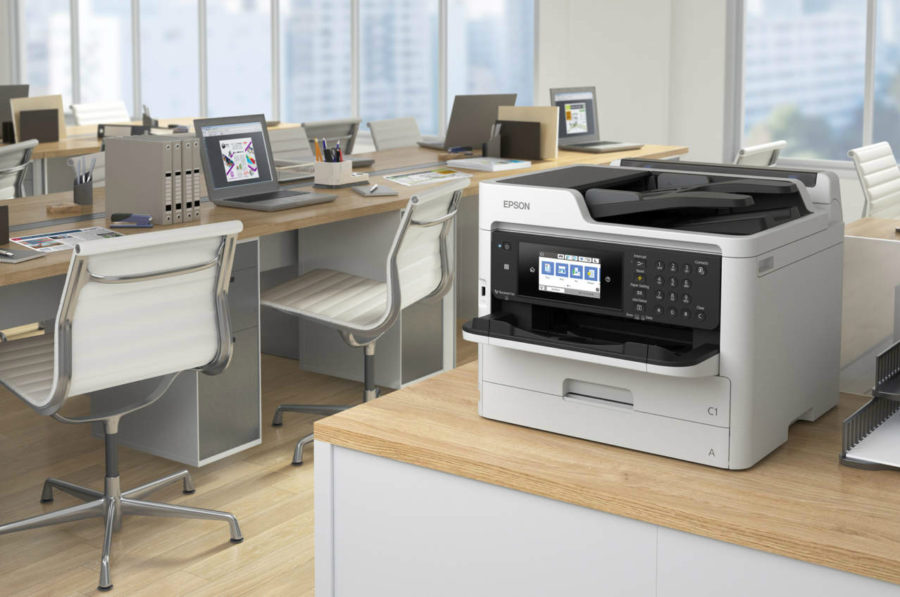
Today's modern office is difficult to imagine without all kinds of equipment. Since electronic documentation will not soon replace paper, the question of which color printer for an office is better to purchase is quite relevant today. Some devices print text files well, others do a great job with color graphics, and others are more prepared for photo printing.
Content
Key selection criteria
How to choose the right printer for the office? There is currently a huge selection of printers. Simultaneously with such a variety, it is practically impossible to find a universal device that prints documentation, graphics and photographs equally well. Each option is adapted to perform a specific list of tasks. Choosing a printer is a very serious issue, requiring a competent approach. Often, the productivity of the entire office depends on the efficiency of this technique.
The printer belongs to the technique that does not lend itself to modernization. This nuance is very important to consider, because the technique costs decent money, often it will not work to change it. An important fact is the cost of consumables, which fully depends on the type of printer.
Before deciding which printer is best to buy in the office, it is important to be well versed in the types of this technique:
| Printing technology | Application area |
| Matrix | This view is gradually being superseded by more progressive models. Printers are designed primarily for printing texts and tables, it is possible to print information under carbon copy. The color of the image depends on the ink ribbon, which is most often black. Less common are options with a color printing module. Print speed and quality are low. |
| Inkjet | Cartridges are filled with liquid ink, mixing them will achieve the desired color. The devices are easy to operate, have good color reproduction, so they do an excellent job of printing documents, color images, and photographs. Disadvantage: limited resource and high cost of cartridges. |
| Laser | Cartridges are filled with powder toner. The peculiarity of printers is the use of a special laser projection mechanism, which also ensures economical consumption of powder, good quality and accuracy of the image, low cost of printing, the absence of smudges and ink resistance. The cartridge has a rather large resource. Monochromes are not suitable for color printing, color ones are much more expensive. Minus: the quality of color photographs and complex graphic images leaves much to be desired. |
| Multifunction devices | They cope well with printing, copying and scanning documents, images, text files. Many MFPs are equipped with fax, which, after connecting to a telephone line, is capable of transmitting all kinds of data. |
| LED | Devices are reliable, silent, have a high speed color printing. |
| Solid ink | The prints obtained on such printers are characterized by special brightness, saturation and density. After the end of color ink, the device continues to print in black. Disadvantages: high cost, low durability and high cost of printing. To prevent molten ink from pouring into one tank, it is generally not recommended to turn this unit off. |
| Plotters | Devices are used for large format printing. |
Thus, having examined the printing technology of different printers, we summarize: a laser color printer is the best for office work. The device has a high printing speed, a relatively low cost of the printed sheet, is more economical, has excellent performance in working with large volumes of printed documentation. Some models of inkjet printers also have a decent speed, however, when compared with laser printers, the cost of the resulting page is still higher.
Performance is the second important point. This parameter indicates the number of pages a printer can print per month. If for home conditions one thousand pages is enough, then for the office this figure should be ten times higher. The required average productivity of the device is at least 10 thousand pages.
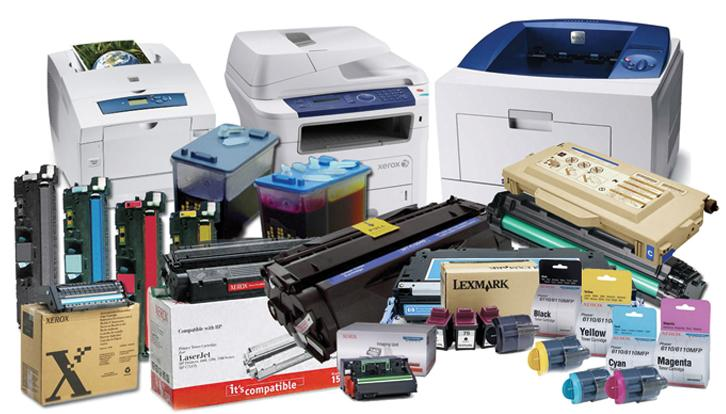
Resource cartridge - the third no less important indicator, which determines the cost of printing one sheet. It is important to remember that the larger the resource, the lower the cost. A printer with a resource of about 400 pages per month will be economically disadvantageous, since buying a new cartridge will significantly increase the cost of one printed sheet.
The print format is selected depending on the size of the documentation. The bulk of printers is designed to print sheets f.A4. Devices that print f.A3 and above, are expensive, are selected individually for each office.
Functionality and capabilities Inkjet devices better print out color images, with their help you can beautifully arrange documents. Laser printers are better suited to printing text files. Many, choosing a printer in the office, prefer universal MFPs. These multifunctional devices can easily cope with several tasks at the same time: printing, copying, scanning, faxing.
The auto paper feed and duplex function is an added plus for choosing a device.
The presence of wi-fi will allow you to control the device from a distance. The ethernet port is a guarantee that every computer in the office can have easy access to this printer.
Determined: inkjet or laser
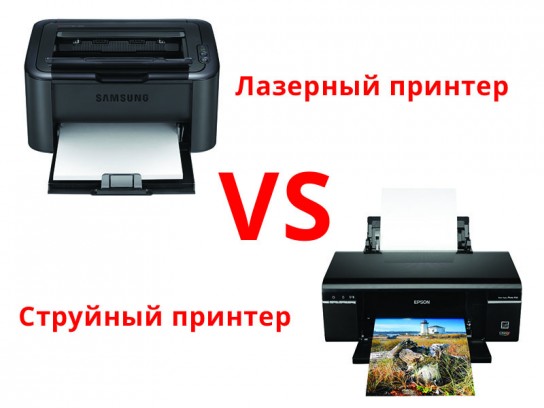 Using the printer in the office should be as efficient as possible. Compare some performance indicators of a similar technique to determine the choice of a specific option:
- the cost of the print received on the laser device is lower, which will lead to significant savings in the company's budget;
- laser printers work equally with all types of paper;
- the performance of inkjet devices is lower, so a laser device is suitable for the office. It will be able to guarantee fast and high-quality performance of tasks in a unit of time;
- color inkjet printers will help solve the problem of printing photographs, drawings and other images; laser printers cannot guarantee this;
- laser devices do not need frequent cartridge changes;
- The cost of a laser printer is significantly higher than its inkjet counterpart.
Rating of the best models of 2019 for small offices
Xerox Phaser 6020
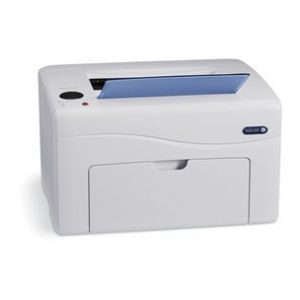
- Device type: printer
- Technology: LED
- OS Support: Windows, Mac OS, iOS
- Power consumption:
- standby - 45 W
- at work - 220 W
- Print speed:
- b / w - 12 ppm
- color - 10 ppm
- Noise Level: 49 dB
- Dimensions: 394x304x234 mm
- Weight: 10.9 kg
- Manufacturer: XEROX CORPORATION, Vietnam
- high print quality, quiet operation
- great design, wifi, software
- not found
Some users complain about the replacement of cartridges and chips, probably they just did not fully understand this issue: the original consumables are very expensive, but on the Internet, for example, Aliexpress, you can find an acceptable option.
Canon PIXMA G1410
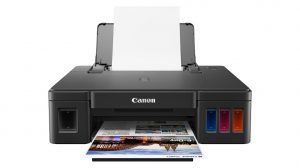
- Device type: printer
- Technology: thermal, inkjet
- OS Support: Windows
- Power consumption:
- standby - 0.6 W
- at work - 11.0 W
- Print speed:
- b / w - 8.8 ppm
- color - 5.0 ppm
- Sound level: 46.5 dB
- Dimensions: 445x330x135 mm
- Weight: 4.8 kg
- Warranty / Manufacturer: 12 months / Vietnam
- great home appliances
- normal color and print quality
- no MAC OS support
- there is no USB cable included, must be purchased separately
Canon image PROGRAF iPF770 with stand
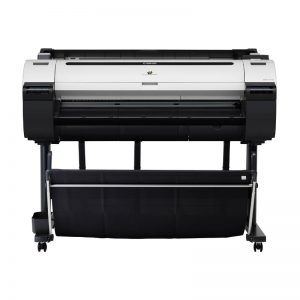
- Device type: wide format printer
- Technology: thermal, inkjet
- OS Support: Windows, Mac OS
- Power consumption:
- standby mode - 5.0 W
- at work - 140.0 W
- Print speed:
- b / w - 24 sec (plain paper A1)
- color - 57 sec (plain paper A1)
- b / w - 57 sec (coated paper A1)
- color - 112 sec (A1 coated paper)
- Noise Level: 48dB
- Dimensions: 1304х1062х887 mm
- Weight: 64.6 kg
- Warranty / Manufacturer: 12 months / Thailand
- good build and print large posters
- fast printing, usability
- printed sheet stacking stand
- low head resource
- very high ink prices
KYOCERA ECOSYS P5021cdw
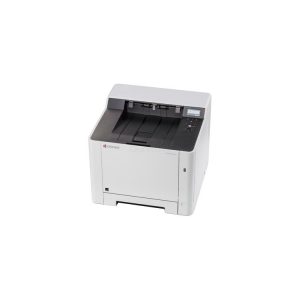
- Device type: printer
- Technology: Laser
- OS Support: Windows, Linux, Mac OS, iOS
- Power consumption:
- standby - 33 W
- at work - 345 W
- A4 print speed:
- b / w - 21 ppm
- color - 21 ppm
- Sound Level: 45.5 dB
- Dimensions: 410x410x432 mm
- Weight: 21 kg
- Warranty / Manufacturer: 2 years / China
- 1200 dpi color laser printing
- Wi-Fi connectivity
- resource of original cartridges of only 1200 pages of printed text
HP Color LaserJet Professional CP5225 (CE710A)
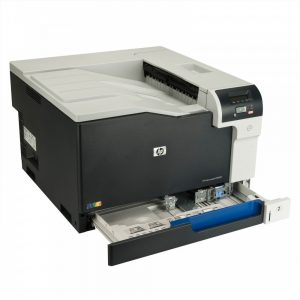
- Device type: printer for medium office
- Technology: Laser
- OS Support: Windows, Linux, Mac OS
- Power consumption:
- standby - 4.4 W
- at work - 440.0 W
- Print speed: A4 - 20 ppm (b / w or color)
- Noise Level: 49 dB
- Dimensions: 545x599x338 mm
- Weight: 40.9 kg
- Warranty / Manufacturer: 12 months / China
- very reliable device to use
- occasional color printing
- high cost of cartridges
Epson Stylus Photo 1500W
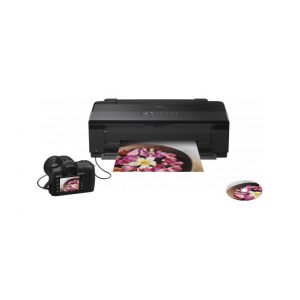
- Device type: printer for home or small office
- Technology: piezoelectric, inkjet
- OS Support: Windows, Mac OS
- Power consumption:
- standby time - 3.5 W
- at work - 18.0 W
- Print speed: A4 - 16 ppm (b / w or color)
- Sound exposure level: 35 dB
- Dimensions: 616x322x215 mm
- Weight: 11.8 kg
- Warranty / Manufacturer: 12 months / Indonesia
- Great home model, Wi-Fi available
- prints photos and text with excellent quality
- By installing CISS, you can save by buying ink for Epson L800
- no USB cable
Brother HL-3170CDW
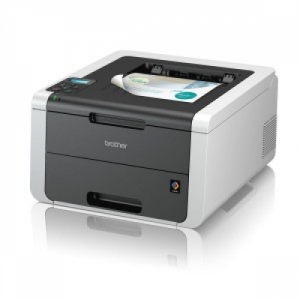
- Device type: printer for small office
- Technology: LED
- OS Support: Windows, Linux, Mac OS, iOS
- Power consumption:
- standby - 60 W
- at work - 380 W
- Print speed:
- b / w - 22 ppm
- color - 22 ppm
- Noise level:
- standby - 33 dB
- during operation - 53 dB
- Dimensions: 410x465x240 mm
- Weight: 21.5 kg
- Warranty / Manufacturer: 1 year / China
- excellent duplex printer
- good speed, high functionality
- Chinese assembly, therefore rattles at work
- very expensive cartridges
findings
All the described models have almost one drawback - the cost of the original cartridges, so you need to think about installing a CISS in order to save on ink, otherwise buying a printer will be unprofitable.


